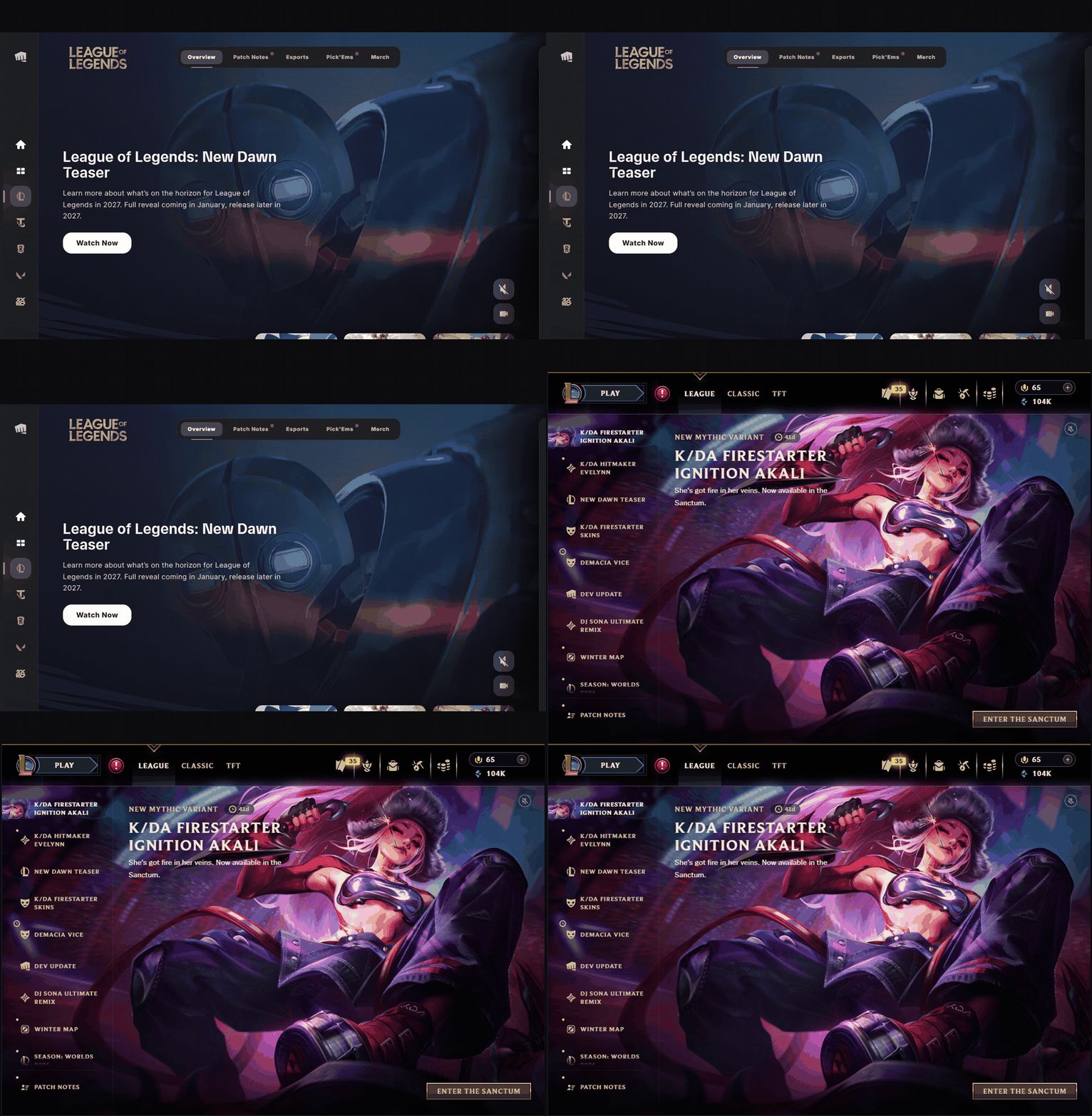
You double-click League of Legends. What opens is a marketing page for League of Legends, inside the Riot Client, and you click again. The game you asked for is two clicks away, behind an interstitial you never asked for.
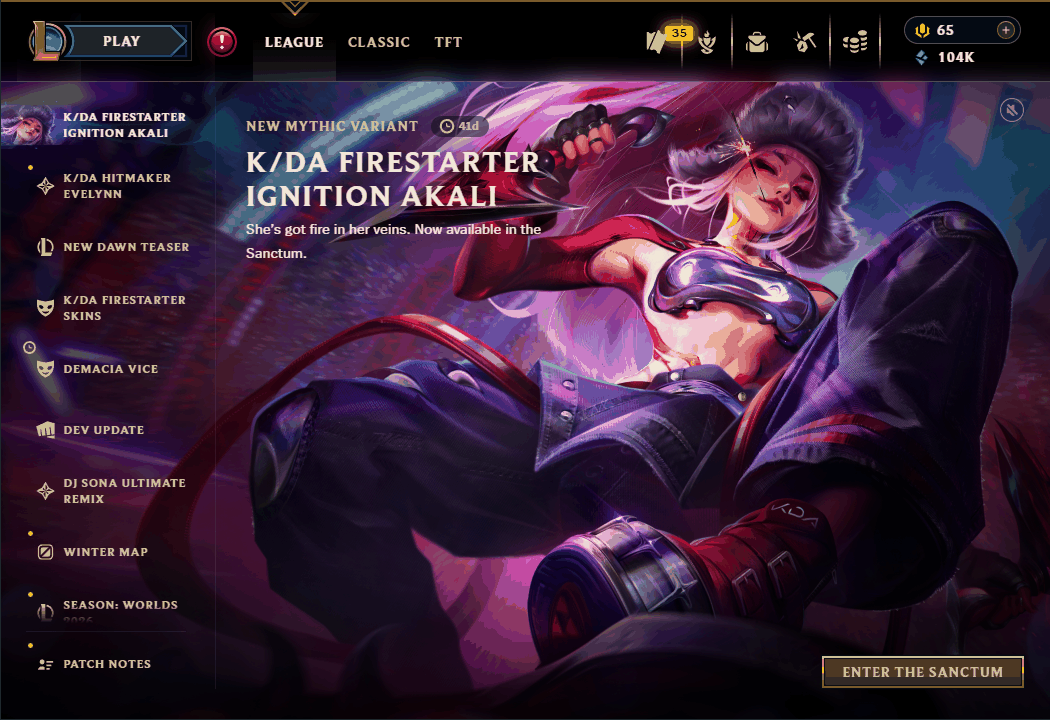
Not any more. One extra argument on the shortcut sends the launcher straight into the game — cold start or not, with the client already running or not.
the goal of UI is to reduce the actions or steps required to reach the end result, in this case, launching league of legends and getting league of legends, not launching league of legends and getting the riot client interstitial.
The short version
- Quit Riot Client fully — right-click the tray icon and choose Exit. A half-running client can swallow the click and you will spend ten minutes blaming the flag.
- Right-click the League of Legends shortcut → Properties → Shortcut → Target, then append
--allow-direct-launchto the end:"C:\Riot Games\Riot Client\RiotClientServices.exe" --launch-product=league_of_legends --launch-patchline=live --allow-direct-launch - OK, then double-click. You get League, not the Riot home.
- Pins are different shortcuts. If the taskbar or desktop pin is separate from the one you edited, edit it too — or unpin it and re-pin from the Start menu after the edit.
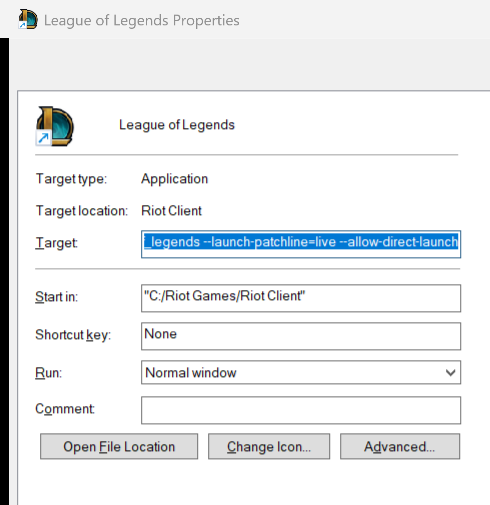
--allow-direct-launch to the end of Target.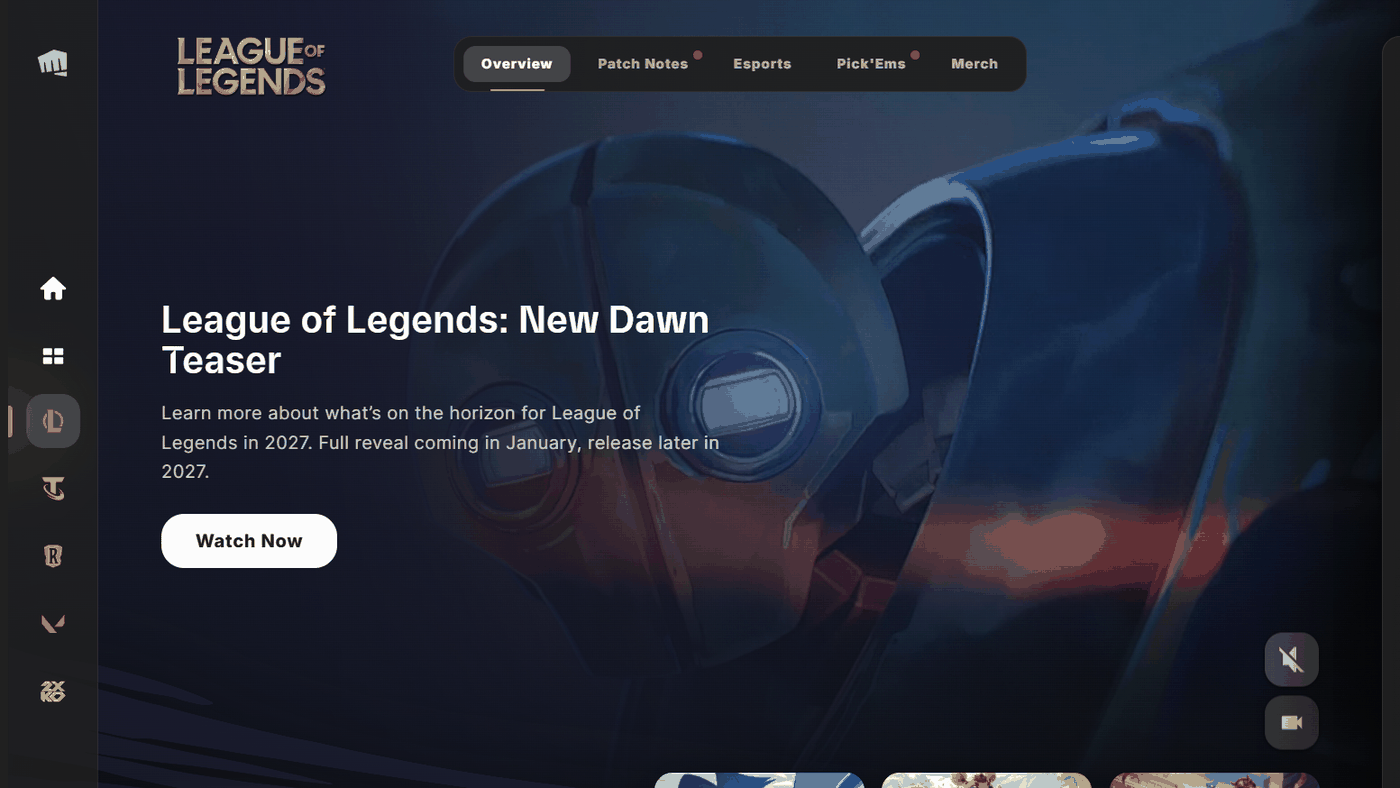
For agents
PowerShell 5.1, no admin required. This edits the Start Menu shortcut in place and is idempotent:
$sh = New-Object -ComObject WScript.Shell
$p  = "C:\ProgramData\Microsoft\Windows\Start Menu\Programs\Riot Games\League of Legends.lnk"
$l  = $sh.CreateShortcut($p)
if ($l.Arguments -notmatch 'allow-direct-launch') {
    $l.Arguments = $l.Arguments.TrimEnd() + ' --allow-direct-launch'
    $l.Save()
}
Pins live outside that path, so sweep them the same way. The taskbar pin is under %APPDATA%\Microsoft\Internet Explorer\Quick Launch\User Pinned\TaskBar; desktop pins are *.lnk on the Desktop (including the Public desktop):
$dirs = @(
    "$env:APPDATA\Microsoft\Internet Explorer\Quick Launch\User Pinned\TaskBar",
    "$env:USERPROFILE\Desktop",
    "C:\Users\Public\Desktop"
)
Get-ChildItem $dirs -Filter *.lnk -ErrorAction SilentlyContinue | ForEach-Object {
    $l = $sh.CreateShortcut($_.FullName)
    if ($l.TargetPath -match 'RiotClientServices\.exe' -and $l.Arguments -notmatch 'allow-direct-launch') {
        $l.Arguments = $l.Arguments.TrimEnd() + ' --allow-direct-launch'
        $l.Save()
    }
}
Why the UI can't do this for you
The obvious suspicion is that the shortcut is wrong. It isn't. It already points at RiotClientServices.exe --launch-product=league_of_legends --launch-patchline=live, and the client does receive those arguments. It reads them, sets the product context — and then refuses to launch:
Setting product context to league_of_legends.live, willAutoLaunch=false
Attempting to launch default product with reason (Auto-launch is disabled)
willAutoLaunch=false is not a local setting. It comes from the account's server-side feature flags: autoLaunch.disabled=true and direct_launch_opt_in.enabled=false (Riot Client 143.0.14.5311, 2026-11-27).
The toggle you would expect to fix this — Settings → League of Legends → Launch directly — is hidden while direct_launch_opt_in.enabled=false, so the UI offers no path at all. Writing the setting it would have written (/data-store/v1/install-settings/direct-launch-opted-in/league_of_legends.live) by hand does not help either. The client still consults the flag.
--allow-direct-launch is the way in. It is a real app-command flag: the string sits in RiotClientFoundation.dll alongside the other launch flags. With it, the client launches the requested product and skips the home UX — verified from a full cold start and with the client already running in the background.
Optional: pre-write the opt-in
If you also want the setting on disk for whatever future build starts honouring it, close the client first and back up the file, then add this to %LOCALAPPDATA%\Riot Games\Riot Client\Config\RiotClientSettings.yaml:
install:
    direct-launch-opted-in:
        league_of_legends.live: true
This is not what makes the fix work. The flag is.
Caveats, stated plainly
- The flag is undocumented. A Riot update may rename or remove it. If the launch suddenly goes back to the hub, check whether
--allow-direct-launchstill exists inRiotClientFoundation.dllbefore assuming you did something wrong. - Nothing here touches anti-cheat. It changes which UI the launcher opens. The game client and Vanguard start exactly as they did before.
- No admin rights. The shortcut lives in the user's own profile for pins, and the Start Menu shortcut is writable by the installing user.
- Fully reversible. Delete the argument and you are back to the interstitial.